
DJI Neo : FirstFlight
Palm-launch, follow-me mode, auto-return/landing...also, NO controller needed!!!
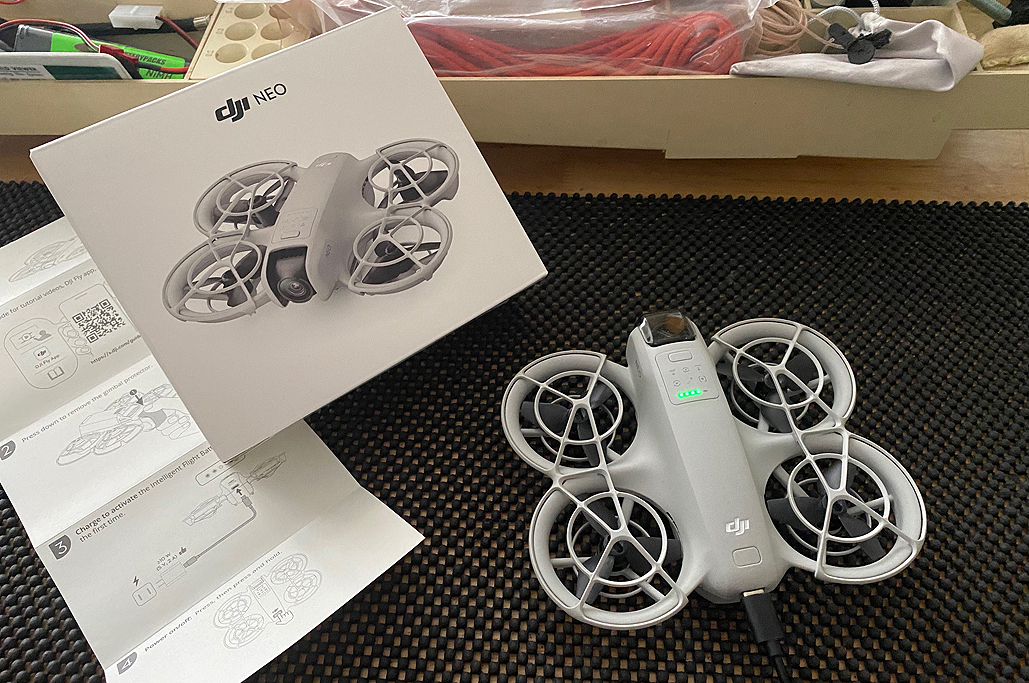
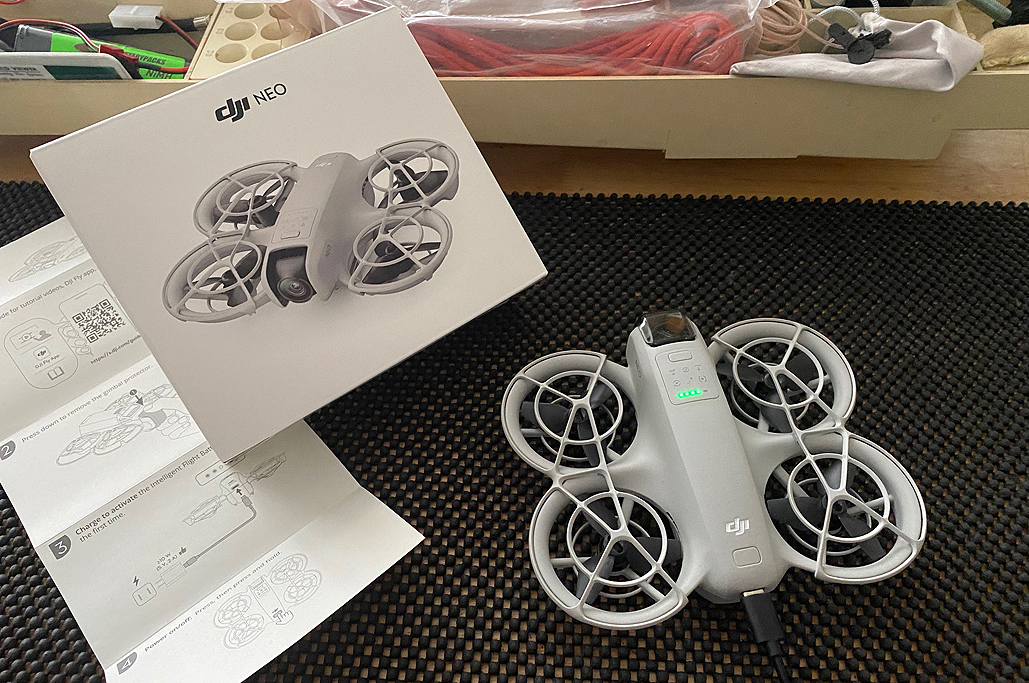
We got the DJI Neo when it first came out in October of last year, but we have not had much flying time with it. Our goal is to change that this Summer. To that end, we purchased a few more batteries in anticipation.

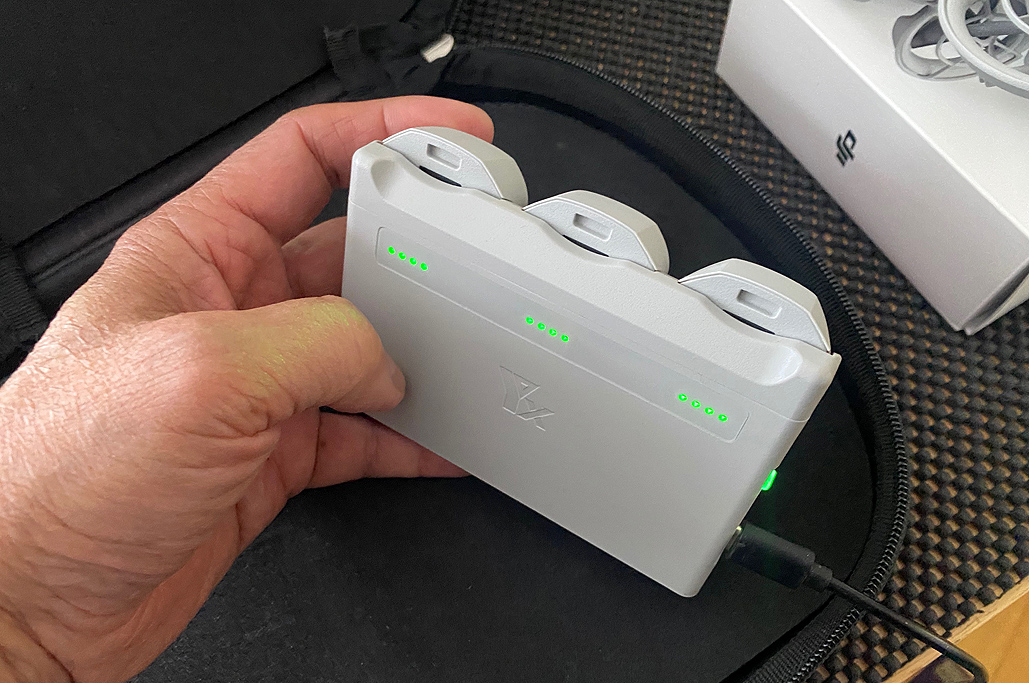
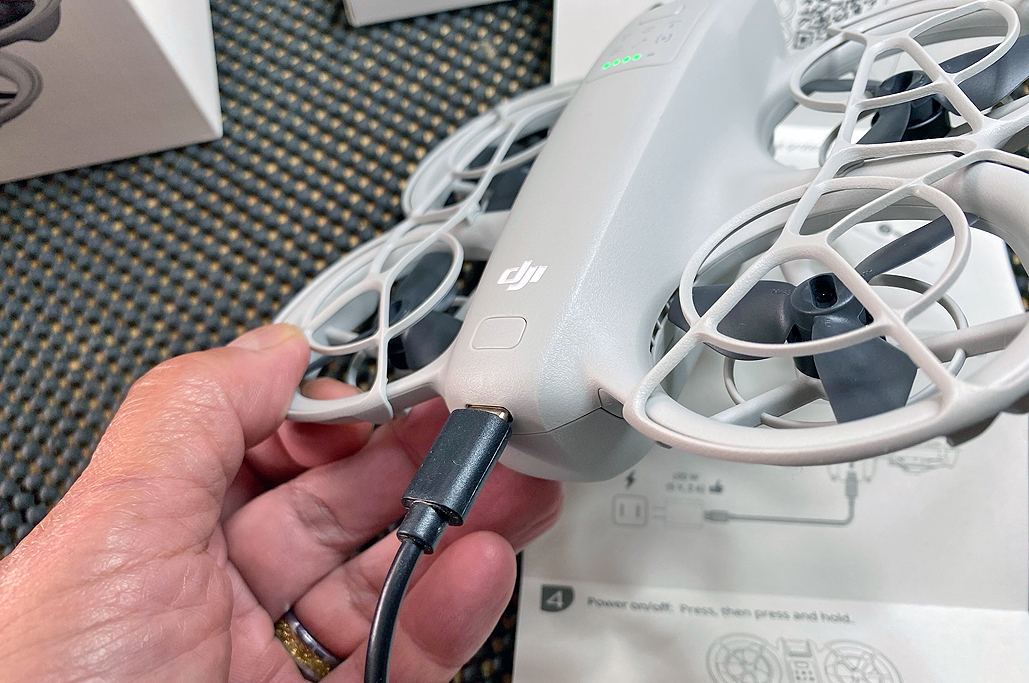
With multiple batteries, a separate charger was needed for easier charging. The charging is serial, but it allows for it to be done without having to do it while attached to the Neo.

FlightCheck
Prepping for flight is quick and simple:
- Make sure the Neo is charged
- Power it up (press and release the power button, then press and hold)
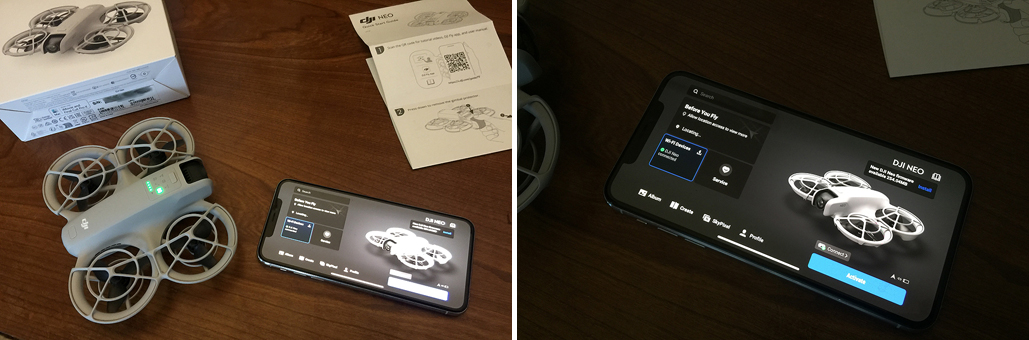
- Launch the DJI Neo app on the iPhone
- Find and connect to the Neo via WiFi
Palm-Launch
The DJI Neo can be launched directly from the hand. It was surprisingly easy to do, and the convenience of it should not be underestimated.
As we are novice drone pilots, we did the VERY first flight of the DJI Neo inside and on top of the mattress. We figured if anything goes wrong, the worst that would happen would be it crash-lands on a soft surface…LOL. As it turned out, nothing ‘bad’ happened 🙂
Once we built up our confidence, we launched the DJI Neo in a more crowded space, moved ourselves around a bit to see how it tracked, and quickly became more comfortable with its responses to our movements.
There are six different built-in flight modes, and the default is the ‘follow me’ mode. It is what we used for the Neo’s first outside flight in the RainyDayGarden.
FirstThoughts
Unlike our attempts at flying a UAV many years ago, flying the DJI Neo was incredibly easy! Granted, the Neo was doing ALL of the work. All we had to do was power it on and tell it when to land.
For $200, the DJI Neo is a terrific piece of technology. We are just scratching the surface of what we can do with it and how it will change the way we record, photograph, and document some of our activities, but change them, it definitely will!!!
Links to items mentioned:


Leave a comment