
| Today |
| Workshops |
| Audio/Video |
| Electronics |
| Carputer |
| Misc |
| Other Garages |
| Contact Us |
| RainyDayGarage... |
||
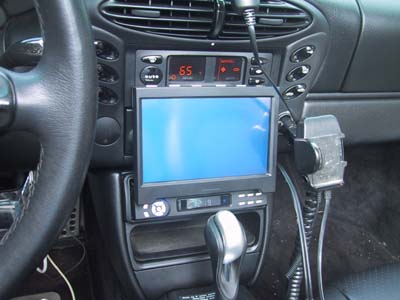
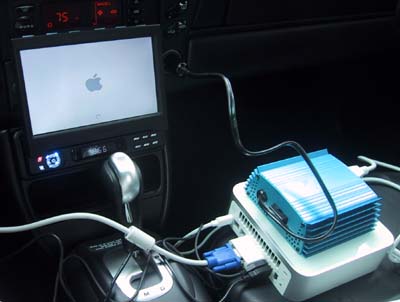
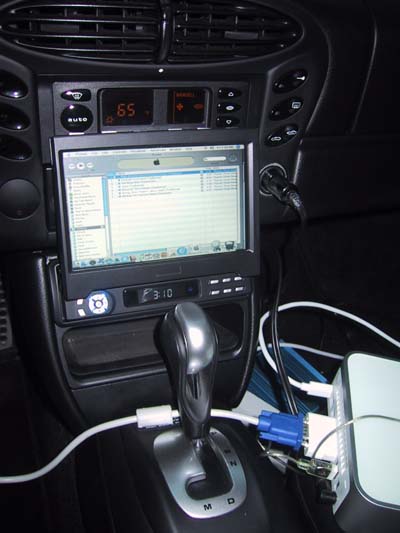
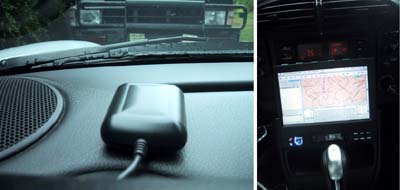
Once the DWW 700 LCD monitor was installed and verified to be functional. It was time to hook up the Mac mini and check out some of the basics (WiFi connection, USB, GPS, and iTunes). Since we had bench tested all of these functions (voice, gps, touchscreen, camera), this check was basically to see how things worked once installed in the car. We'll add to this page as more tests are performed.
The Mac mini cpu and the CarNetix P1900 will be the last pieces installed. Until then, we'll be using an inverter to power the Mac.
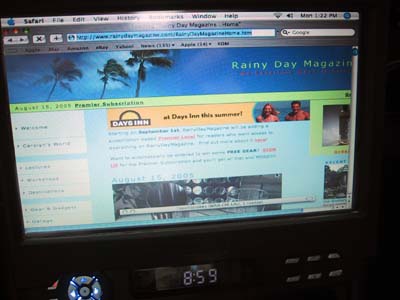
iTunes, web access via WiFi, and GPS all functioned properly :-) Next on the list is to hook up the iSight camera and see if we can get iChat working from a remote location to the RainyDayMagazine office! |
Carputer LCD Screen Test |
|
When we got the LCD screen for the Boxster project, we needed to test it with a variety of input signals. We thought it would be useful to document the process and share it with our RainyDayGarage readers! You are welcome to follow along on this project as we go from Design to Installation. The Touchscreen portion of this Carputer project is divided into: The CPU segment of this Carputer project are divided into:
Project Summary: Screen Install 1. Difficulty - Simple 2. Time - 20 minutes 3. Tools - CPU w/ VGA out 4. Cost - nothing
|
||